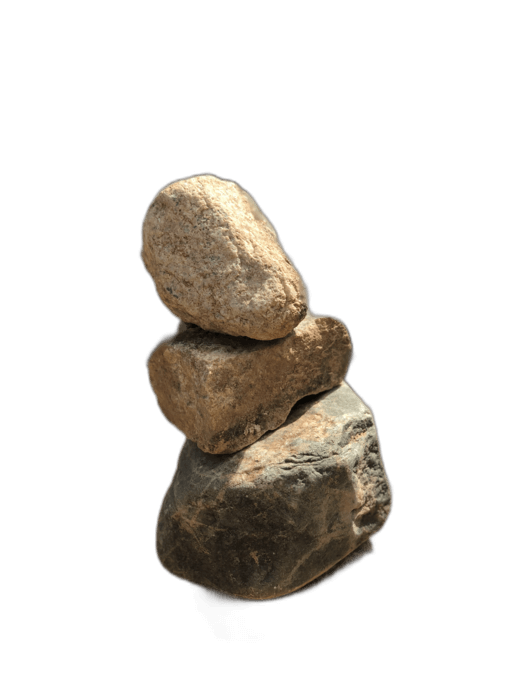
When you remove a background, you usually lose the natural shadows too — resulting in a "floating" subject that looks pasted onto any new background. For product photography and realistic compositing, preserving the shadow adds depth and realism. RemoveBackgroundAI removes the background while the transparent PNG preserves subtle shadow information in the alpha channel, giving you a more realistic cutout for compositing.
No signup required. Free to use.
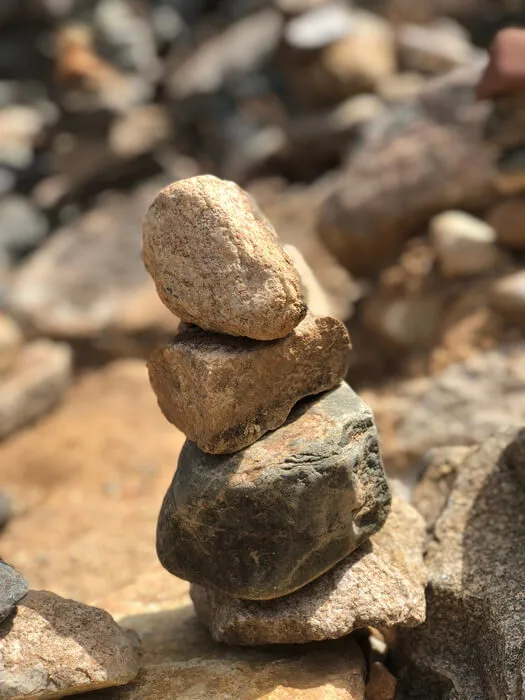
Upload a photo where the subject casts a visible shadow on the background surface.
The AI removes the background. Depending on the shadow's characteristics, soft shadows near the subject may be partially preserved in the alpha channel.
Download the result. When placed on a new background, the preserved shadow information adds natural depth and grounding.
Most background removers treat shadows as background and remove them entirely. RemoveBackgroundAI's AI is more nuanced — it can preserve soft contact shadows that are connected to the subject, creating more realistic cutouts.
Try it now for free. No signup required.
Get started with RemoveBackgroundAI.com →Soft contact shadows near the subject base are most likely to be preserved. Hard cast shadows that extend far from the subject are typically removed with the background. Results vary by image.
Yes. If natural shadows are removed, you can add a drop shadow in Canva, Photoshop, or CSS. This is a common technique in product photography.
Join millions of users who trust RemoveBackgroundAI for fast, accurate, and free background removal.
Get started with RemoveBackgroundAI.com →